Online booking
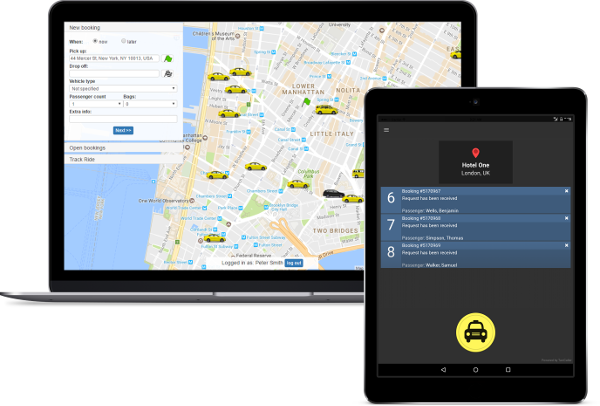
- Booking form for your website
- Reception booking for accounts
- Kiosk app for express bookings

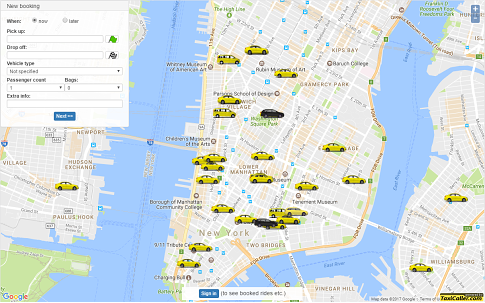
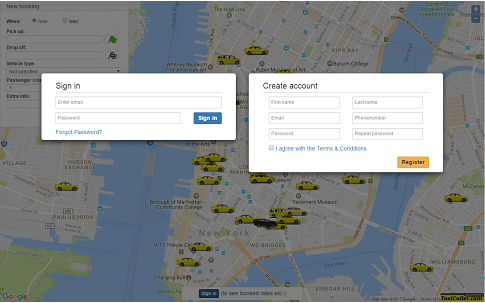
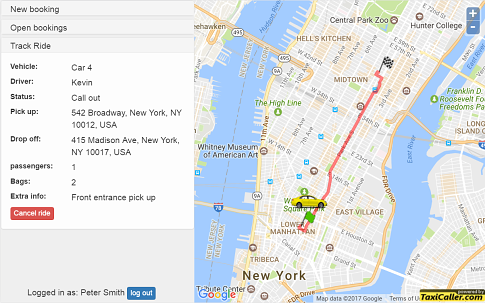
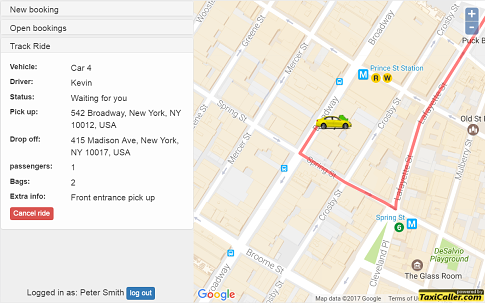
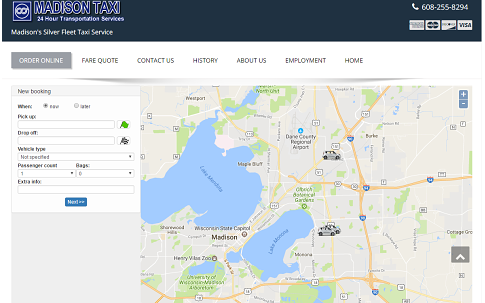
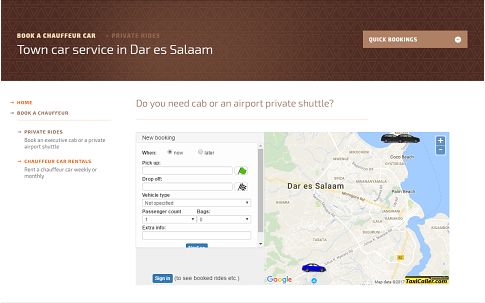
Hotels can make online bookings for guests by signing in with their account
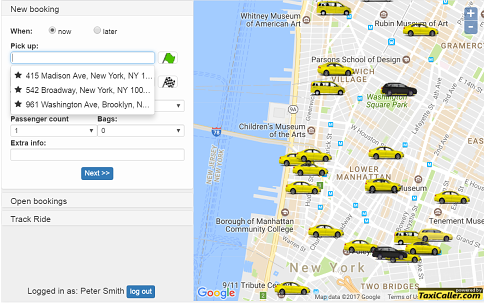
Auto-complete addresses & favorite locations make booking easy
See the status of your trip update as the driver approaches
See exactly when the car arrives so you know when to go outside
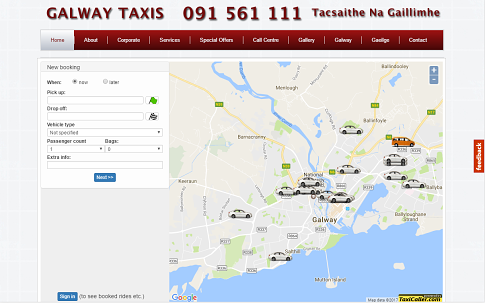
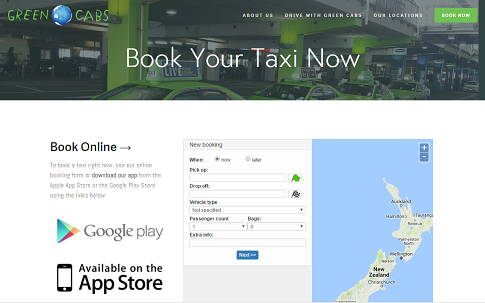
Lower phone traffic with our booking map and form on your website
Lower phone traffic with our booking map and form on your website
Lower phone traffic with our booking map and form on your website
Lower phone traffic with our booking map and form on your website
Click the arrows to learn more!

Text notifications

Auto-complete addresses

Real-time vehicle tracking
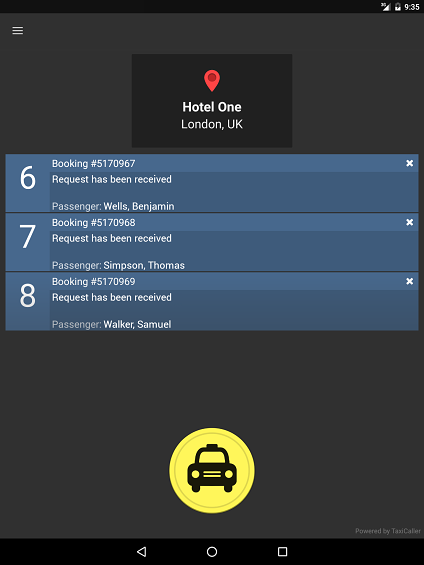
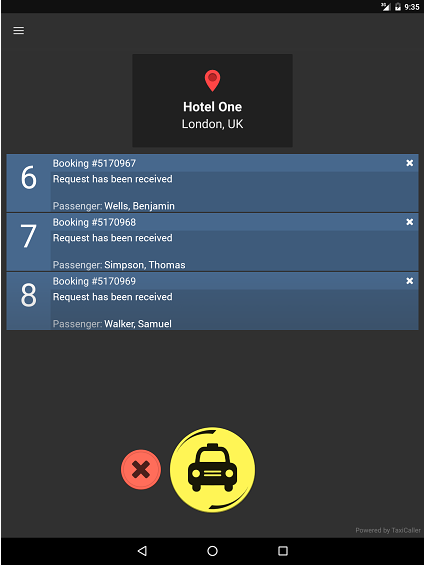
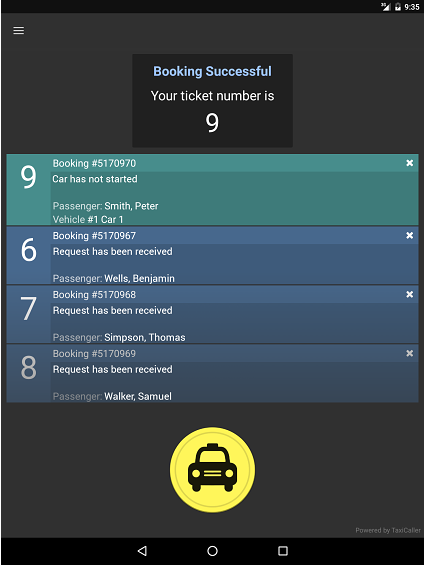
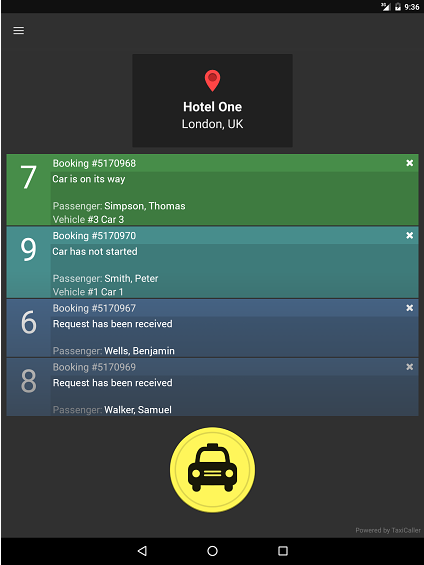
Add kiosk booking to allow businesses to book your drivers quickly and easily
One tap on the app and the customer receives a ticket number for their booking.
Once the bookings have been made, you can see the status update in real time

Click the arrows to learn more!

Corporate accounts

Favorite locations

Trip history
Yes, it's very simple! You just need to add a code snippet on your website, and only your company's cars are shown. Go to your Admin Panel > Booking apps > Embed web form, choose a size and copy the code snippet to your page.
An online booking is a normal booking and it will appear in the dispatch console. If you have enabled the option ”Verify direct bookings”, the booking will also need verification from a dispatcher in the form of assignment. If you do not have the ”Verify direct bookings” option enabled, the job will simply be assigned using the predefined assignment method and go straight to the drivers.
There is no additional cost for using our Reception booking feature. This can be very useful for companies who have one person who books all the rides for the company's employees or for hotels and restaurants to easily place bookings for their guests. Please contact us by clicking here if you need help setting up this feature.
Make sure that you have online bookings enabled by going to Admin Panel > Settings > Dispatch > General > under Online Booking. Check the box that says “Bookable Online”. You also need to make sure we have have verified your company to take direct bookings by sending your license to us. Please, contact our customer support team by clicking here and we will help you with the steps needed to take direct bookings..
Unfortunately, it's not possible to book a taxi in the app or online without first creating an account. We require this form of verification to make sure that the passenger is an actual person making a genuine booking.
See how TaxiCaller can support your fleet, your daily operations, and the transportation services you want to build next.
Try it Free for 14 days